The 12 best AI tools for event planning, tested by 2,000+ event pros
Twelve free GPTs built for event teams, grouped by where they fit in the event lifecycle. Each one came out of a real conversation with a working planner about a specific task that was eating their week, and each one has real time-saved estimates from the 2,000+ event pros who use them.
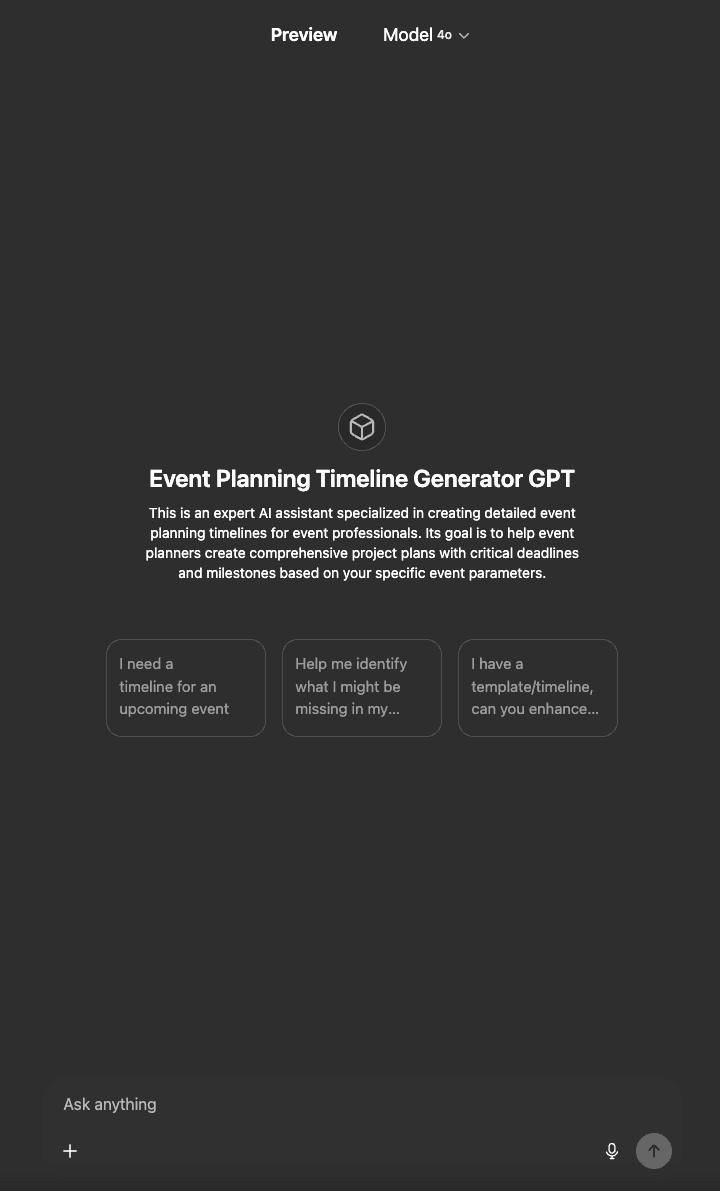
I built my first AI tool for event teams because a corporate planner I was talking to said she spent six hours every Friday on the same task: drafting next week's event timeline from a blank page. She is good at her job. The repetition was the problem. Six hours a week, every week, on a task whose pattern barely changes between events.
That tool, the Event Timeline Generator, now has 2,000+ users who report cutting that exact six-hour task down to roughly thirty minutes. The remaining 5.5 hours go back to the work that actually requires a human planner: stakeholder conversations, speaker management, vendor relationships, the judgment calls that keep an event from falling apart on day one.
Since then I have shipped twelve free GPTs for event teams. All of them are free to use, and each one came out of conversations with working planners about the specific tasks that quietly eat their weeks. Below is the rundown of what each tool does, when to reach for it, and how much time event pros are reporting back that they save once it is part of their workflow.
How the 12 tools map to your event lifecycle
The fastest way to navigate this list is by where you currently are in an event cycle. Skip to whichever phase matches what is actually on your desk this week.
Plan the event
The three tools below cover the foundation work that happens before vendor outreach, before sponsor pitches, before any attendee sees an invite: the timeline, the checklist, and the run-of-show. These are the tasks that planners told me they dread starting from a blank page, which is the exact gap AI closes.
1. Timeline Generator
What it does: Builds a complete event timeline with task breakdowns, deadlines, and dependencies starting from your event date and walking backward across five phases (scope, build, promote, execute, recap).
Use it when: You just got handed an event with a date, a budget, and a vague brief, and you need a work-back plan by tomorrow morning. Or you want to sanity-check the timeline you already built against what a tool seeing thousands of events would suggest.
Real example: A corporate planner I was talking to at MPI ACE used the Timeline Generator to draft the work-back plan for a 600-person internal summit. Her old process was a four-hour Friday block staring at last year's spreadsheet and re-typing dates. With the Generator, she had a defensible draft in 28 minutes that her ops lead only needed to nudge in two places before sharing with the executive sponsor.
2. Event Planning Checklist
What it does: Generates a professional-grade pre-event checklist tailored to your specific event format, audience size, and venue type, organized by lead time so you can see what is actually due this week vs. this quarter.
Use it when: You are running an event format you have not run before (your first hybrid summit, your first awards gala, your first multi-city roadshow), or you want a sanity check on your existing checklist for blind spots.
Real example: A trade-show manager pivoting to her company's first-ever user conference used the Checklist to spot the seven items her existing trade-show template was missing for a content-led event. Most notable miss: rehearsal blocks for keynote speakers, which had not appeared on a single trade-show checklist she had used before.
3. Run of Show Generator
What it does: Creates a complete speaker run-of-show with timed cues, transitions, AV instructions, and back-of-house notes formatted to the standard your stage management team already uses.
Use it when: Your speaker lineup is locked but you need a minute-by-minute document that AV, stage management, and the speakers themselves can all read. Or your current run-of-show template was inherited from someone who left the company two years ago.
Real example: A planner running a half-day leadership summit fed the Generator her speaker list, session lengths, and AV setup notes, and pulled back a run-of-show that her AV vendor said was the cleanest he had received in two years. Total time from speaker list to clean ROS: 45 minutes.
Source the people
Speakers, attendees, and rooming logistics are where most events either come alive or quietly fall apart. The three tools below help you find the right speakers, understand who is actually showing up, and manage the hotel rooming details that the executive guest will absolutely notice if they are wrong.
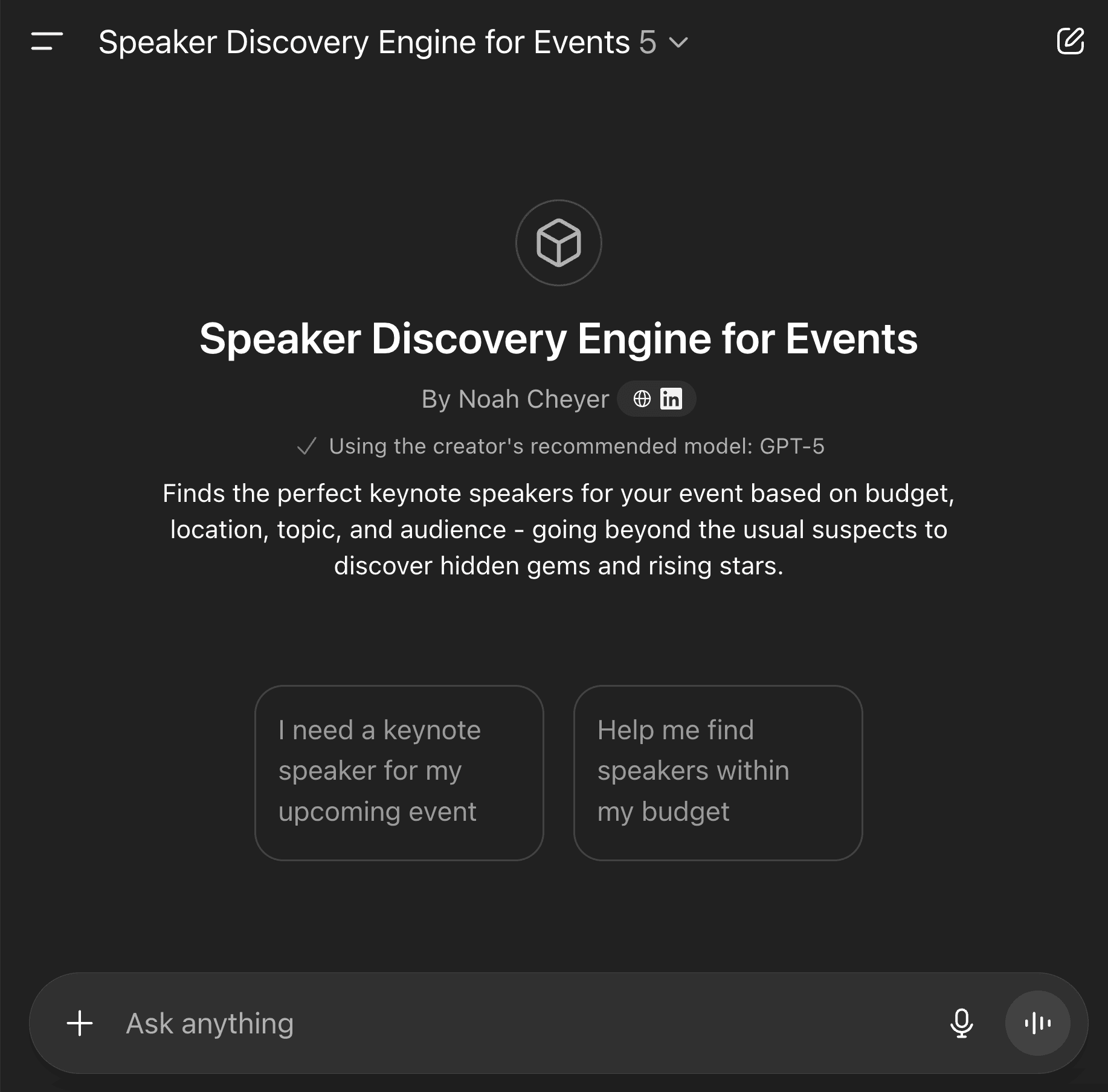
4. Speaker Discovery
What it does: Identifies speaker candidates that match your event theme, target audience, and budget, surfacing names beyond the same five who appear on every other agenda in your industry.
Use it when: You need fresh speaker ideas that are not the same names that everyone else booked last year, and you want suggestions that consider your audience profile rather than just famous keynote speakers.
Real example: A mid-market SaaS conference using Speaker Discovery surfaced four operator-speakers (active VPs at hypergrowth companies) for a panel slot they had been planning to fill with a generalist futurist. The lineup change drove their highest-rated panel of the conference.
5. Persona Generator
What it does: Transforms registration data, survey responses, and audience descriptions into actionable personas that you can plan content, sponsorship pitches, and attendee comms against.
Use it when: You have a registration list and a content team that keeps asking what attendees actually want to hear. Or you are building a sponsor deck and need to describe your audience in language sponsors care about (job-title mix, decision-making power, industry breakdown).
Real example: A regional medtech conference fed three years of registration data into the Persona Generator and got back four sharp personas with quotable language ('I came to find vendors who do not waste my procurement team's time' was one). Two of those quotes ended up on the next year's sponsor-prospectus website.
6. Rooming List
What it does: Manages hotel room assignments across multiple properties with VIP hierarchies, accessibility requirements, and dietary or special-request handling that would otherwise live in a spreadsheet that breaks every time you sort it.
Use it when: You are coordinating a multi-hotel program with executive guests, accessibility needs, and roommate pairings. Or you have inherited a rooming spreadsheet from someone whose color-coding made sense to nobody else.
Real example: A planner running a 250-attendee global sales kickoff across two San Francisco hotels used the Rooming List to handle 14 VIP-tier guests, 6 accessibility requests, and a roommate-pairing matrix for early-career attendees. The output was clean enough to send directly to both hotel chains without reformatting.
Win the revenue
Sponsorship is where most event budgets either close the gap or spiral. Vendor contracts are where avoidable losses happen quietly. These two tools are about protecting the financial side of your event from blank-page paralysis (sponsorship) and from contract terms you would have caught if you had time (auditing).
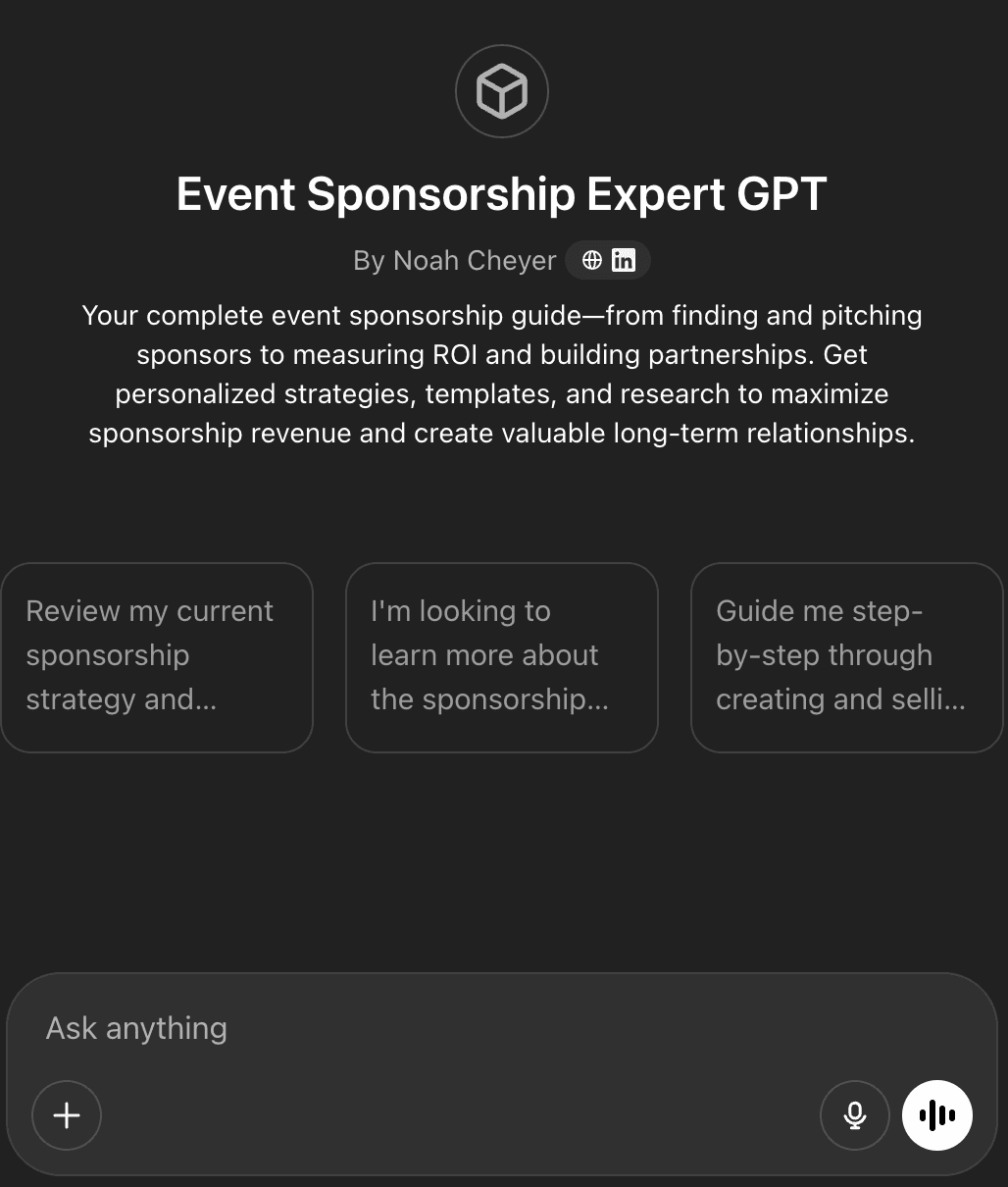
7. Sponsorship Expert
What it does: Helps with sponsor outreach copy, tier pricing strategy, and full sponsor-deck drafting, all grounded in your audience profile and last year's sponsor performance data.
Use it when: You are rebuilding your sponsorship program for a new event year and last year's deck is no longer landing. Or you need to justify a price increase to returning sponsors and want copy that frames the increase against measured audience-quality improvements.
Real example: A mid-market conference rebuilt its sponsorship tiers using the Sponsorship Expert after losing two anchor sponsors to a competing event. The new prospectus reframed each tier around audience-quality metrics rather than booth-square-footage benefits, and recovered both lost sponsors plus added one new title-tier partner within six weeks.
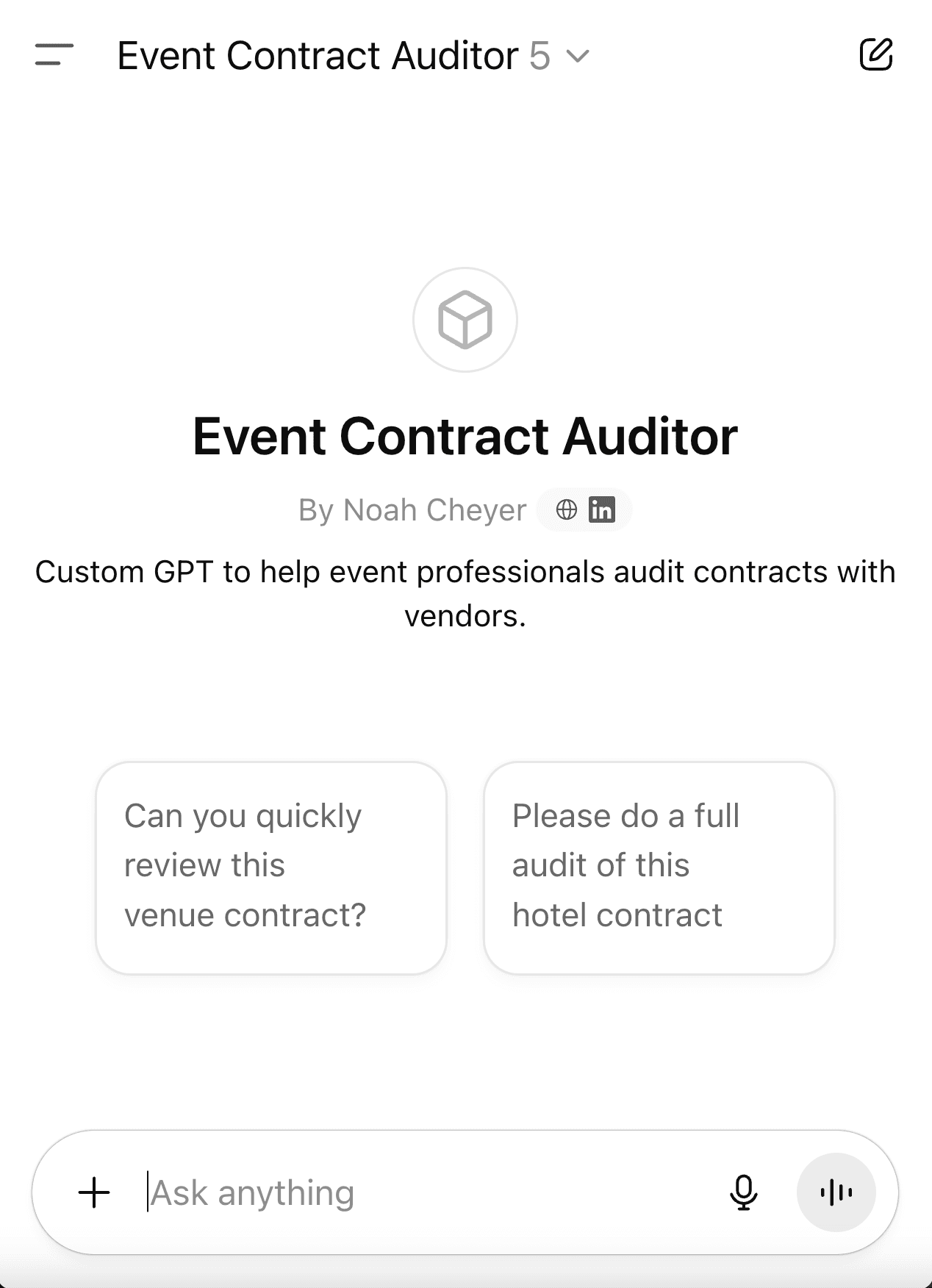
8. Event Contract Auditor
What it does: Reviews vendor contracts (venues, AV, F&B, photographers, speakers) for risk, gaps, and missing protections specific to event-production work, including force-majeure language updated for post-pandemic standards.
Use it when: A new vendor sent over a 14-page agreement and you need a second set of eyes before signing. Or you are negotiating a venue contract for a flagship event and want to know which clauses are actually negotiable versus which the venue's legal team will not move on.
Real example: A planner running a 1,500-person conference fed her venue contract into the Auditor and surfaced five clauses worth negotiating, including a cancellation-window provision that would have cost her organization roughly $40,000 if the event date had to slip by even one week. She got three of the five clauses moved.
Land it with leadership
Event teams are constantly translating event work into the language of the leadership table: financial language for the CFO, brand and demand language for the CMO, operational language for the COO. The three tools in this group are translation engines that turn your event reality into the framing leadership already understands.
9. CFO Pitch Coach
What it does: Reframes event budget pitches and proposals into the language financial leadership actually responds to: ROI math, cost-of-inaction framing, and benchmark comparisons against what other functions get for the same spend.
Use it when: Your CFO keeps cutting your budget and you need to reposition the ask in financial-impact terms. Or you are presenting to a finance committee and want to anticipate the three questions a skeptical CFO will ask.
Real example: An event marketing manager preparing for her annual budget review used the CFO Pitch Coach to reframe her renewal ask from 'event experiences' to 'pipeline-influenced revenue per dollar spent.' Her budget request was approved without the usual round of cuts that had hit her team for the prior three years.
10. Marketing Coach
What it does: Frames event budgets and outcomes using the strategic-communication language used at the marketing leadership table, so your presentations sound like the brand and demand-gen reports your CMO is already reading.
Use it when: You are presenting event ROI to a marketing leadership team and want the framing to match how they discuss other initiatives. Or you are positioning event investment alongside paid-media or content-marketing spend and need a comparison framework.
Real example: A field marketing director rebuilt her quarterly readout using the Marketing Coach to map event metrics onto the same brand-lift and pipeline-velocity vocabulary her CMO used for paid-search and content. Her events line item moved from 'cost center' to 'demand channel' on the next planning slide.
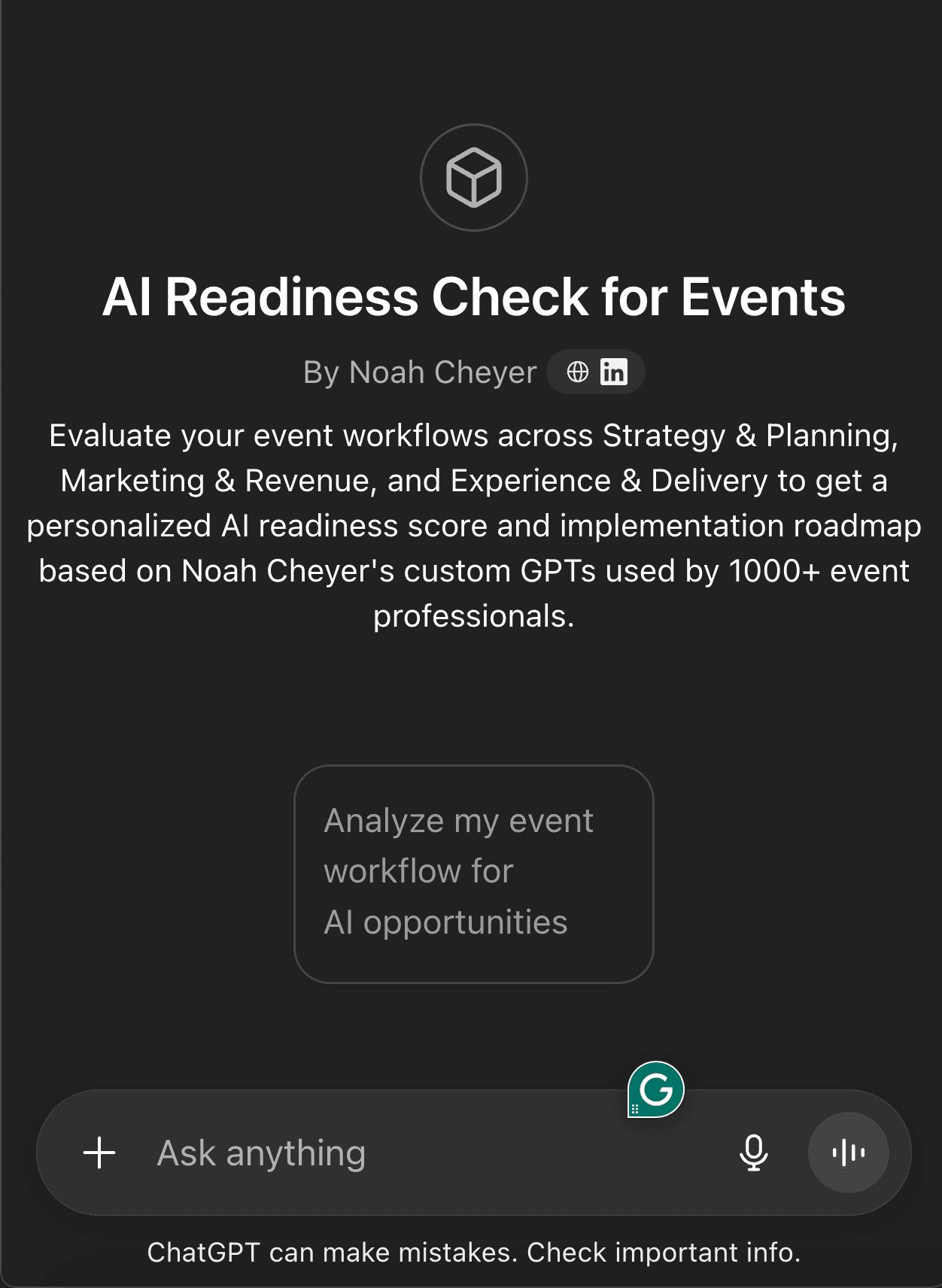
11. AI Readiness Check
What it does: Identifies the highest-value automation opportunities across your specific workflow and produces a personalized AI roadmap, so you start with the tasks where AI saves real hours rather than the tasks that look impressive in a demo.
Use it when: You are not sure where AI fits into your work and need a starting point that is not generic advice. Or your team is being asked to 'use more AI' and you want a defensible roadmap that prioritizes by ROI.
Real example: A four-person event ops team ran the Readiness Check and got back a six-week rollout plan that started with the two tasks scoring highest on the 0–10 scale (timeline generation and post-event analysis) and explicitly held off on tasks where AI would have produced more rework than time savings.
Close the loop
Post-event recap is where most events lose institutional learning. The team is exhausted, the next event is already starting, and the survey responses sit in a spreadsheet that nobody opens. This tool turns that spreadsheet into something an executive will actually read and reference next year.
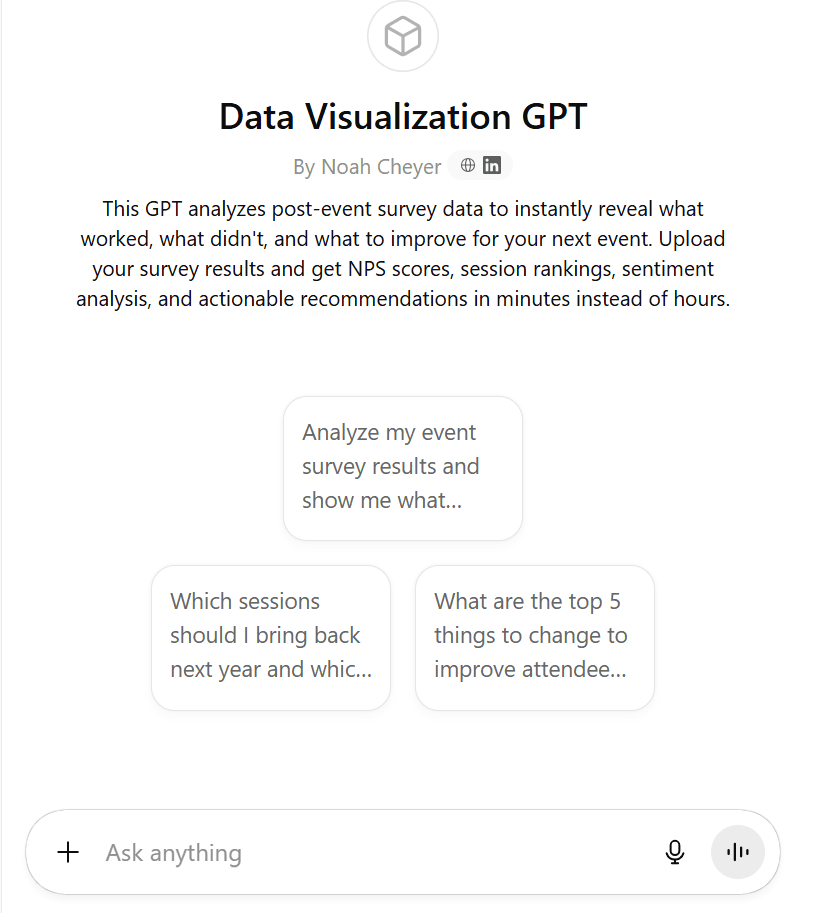
12. Data Visualization
What it does: Analyzes post-event survey data, NPS responses, and registration metrics to identify what worked, what failed, and where to focus for next year, formatted as an executive-ready recap deck rather than a raw chart dump.
Use it when: The event ended last week, you have hundreds of survey responses sitting in a spreadsheet, and the executive recap is due Friday. Or you are comparing year-over-year performance and need the differences explained in language a non-event executive will understand.
Real example: A planner running a 400-person leadership summit fed her post-event survey responses into Data Visualization and got back an exec-ready three-page recap, including a clear identification of which sponsor activation drove the highest attendee NPS lift. That insight became the anchor of her sponsor-renewal pitch the following month.
How to evaluate any new AI tool you find next
New AI tools land every week, and most of them get sold as general-purpose. The shortcut I use when looking at a new tool is the AI Readiness Scale, which scores any task on a 0 to 10 scale based on how much of that task AI can take off your plate today.
A 0 means a human still needs to do the entire task end to end, and AI just gets in the way. A 10 means AI handles the task fully and a human only needs to spot-check the output. Most event-planning tasks land somewhere between 4 and 8, which is also where most of the time savings live. Anything below a 4 is not worth the prompt-engineering effort. Anything above an 8 is rare and worth investigating closely.
When you see a new AI tool advertised, ask three questions before investing time learning it. First, what specific task does it claim to handle, and what is the readiness score for that task? Second, who built it, and have they actually run an event in the last two years? Third, what does the tool refuse to do, because every honest tool will tell you what it is bad at, and any tool that claims to do everything is selling marketing copy.
Common questions
Which tool should I start with?
The Timeline Generator is the most-used tool for a reason. It shows immediate time savings on a task every event planner does, and the output is concrete enough that you can judge quality fast. If you want a more strategic starting point, run the AI Readiness Check first to identify which task on your specific workflow scores highest, and start there.
Are these really free?
Yes. All twelve tools are free custom GPTs hosted on ChatGPT's platform. The only requirement is a ChatGPT account, which has a free tier sufficient for most of the tools. ChatGPT Plus unlocks higher message limits if you are running the tools heavily.
Do these work for non-corporate events like weddings or community programs?
The tools were built for corporate, association, and conference contexts, and the example outputs reflect that. Several of them work fine on smaller community-event scopes if you adjust the inputs (smaller budget figures, simpler AV setups, fewer stakeholder layers). The Sponsorship Expert and CFO Pitch Coach assume a B2B context and will read awkwardly outside it.
Why not just use ChatGPT or Claude directly?
You can. The tools above are specialized prompts and context packs that I have iterated on with working event teams, so they ask the right questions and produce output in formats that match how event pros actually work. The shortcut is that the tools encode the prompt engineering, so you do not have to learn it yourself before getting useful output.
How often do new tools land?
Roughly one new tool every 6 to 8 weeks, driven by what the event-pro community keeps asking for. Subscribers to the Do More With Less Using AI newsletter get new tools the week they ship.
Get the new tools as I ship them
Tuesday emails with one AI workflow you can run that week and a preview of the next tool I am building. Subscribers get every new GPT before it goes anywhere else.
Subscribe to the newsletter